Select it. Change it.
Click a heading, paragraph or button label on the page. Edit its words in the side panel and see the result as you type.
The Aicoded editor
Start with one of 35 stock designs or a draft from the private AI test. Change the words, photographs and details in an editor built around the things you actually need to change.
Try it here
Choose a piece of text on the example below. Try a typeface or a different layout. Every control changes this example, so you can get a feel for the editor.
Thoughtful interiors. Natural materials. A little room to breathe. We create spaces that feel unmistakably yours.
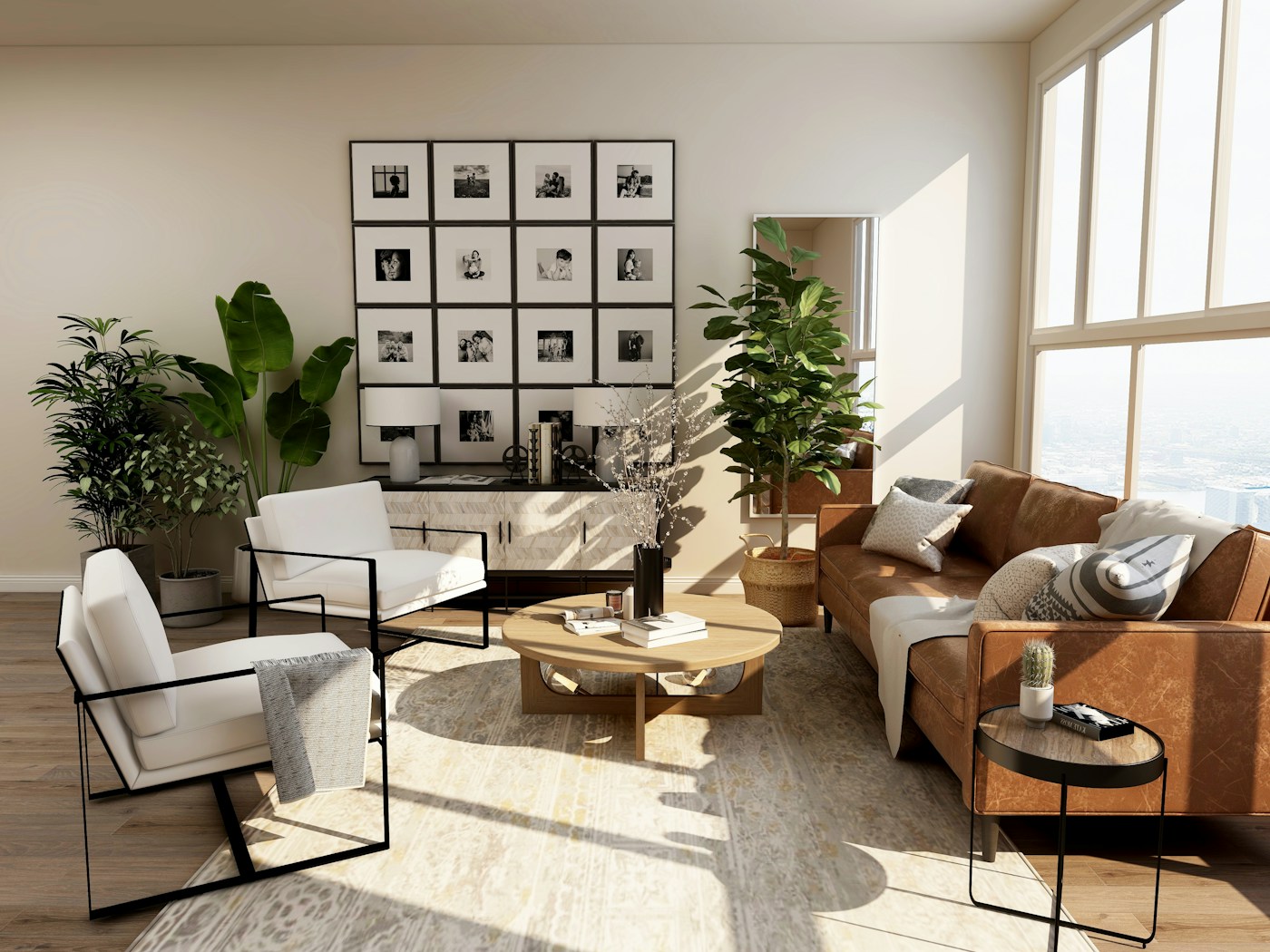
The changes you make most often should be the easiest ones to make.
Click a heading, paragraph or button label on the page. Edit its words in the side panel and see the result as you type.
Choose a heading typeface, adjust page and text colours, and try a different background. These are ordinary edits, with no credit cost.
Start with the included images or upload a JPEG, PNG or WebP under 2 MB. Your picture becomes part of the page.
Shape your page with product or service cards, galleries, features, process steps, pricing and FAQs. Edit their content, reorder them or add another section. Prices are display content; checkout, bookings and messages are not connected.
Check your work, keep a version and take a copy with you.
Switch the canvas between desktop and mobile widths while you edit. Check your line breaks, image and page flow in both views.
When browser storage is available, Save version stores a snapshot in this browser. Choosing a stock design also preserves your previous draft in Versions. Keep up to eight snapshots and restore one when you want to revisit it.
Export the current design as a standalone HTML file, including its photographs. Keep the file as a copy of what you have made.
The AI studio shows each example action’s credit cost before you apply it. A separate usage view records your simulated actions and top-ups.
From your brief to a first draft
AI website generation is available with private-test access. Choose one of eight design directions, or let Aicoded choose from your brief. The builder creates copy, colours and typography using five editable layouts, including a storefront.
Each completed draft includes six to eight sections suited to your idea: product or service cards, feature groups, process steps, galleries, image-and-text stories and FAQs. Pricing can be included when you supply prices. Included photographs provide illustrative imagery that you can replace with your own.
Completed builds publish automatically with a public Aicoded link. The builder confirms publication or explains a problem without discarding your draft. Continue in the editor and use Publish changes to update the same address, or Take offline to stop serving the page.
The publishing panel shows whether an Aicoded subdomain is ready; a public share link is available while subdomain setup is pending. Connecting your own domain requires the connection service to be configured and your DNS ownership to be verified. You can keep editing here after connecting it.
The editor’s AI studio still uses prepared sample edits and simulated credits. Image generation, paid plans and account sync are not connected. Your website can also be saved in this browser and exported as HTML.
Open the AI website builderStart with something considered
35 stock designs, with five each for clothing, food, beauty, fitness, services, creative work and stays. Every manual edit uses zero credits.