Set the atmosphere.
Choose a photograph of your space and make it the centre of your page. Edit the colours and headline to suit the welcome you want to give.
Aicoded for hospitality
Set the scene for a restaurant, a guesthouse or a place to escape. Let the photography, the words and the little details give people a feel for your place.
A place to begin
Sunday Table gives food and atmosphere a welcoming introduction. Somewhere uses a full photographic backdrop to set the scene for a stay.
Seasonal cooking, a familiar welcome, and a table with your name on it. Come hungry. Stay a little longer.
Discover our kitchen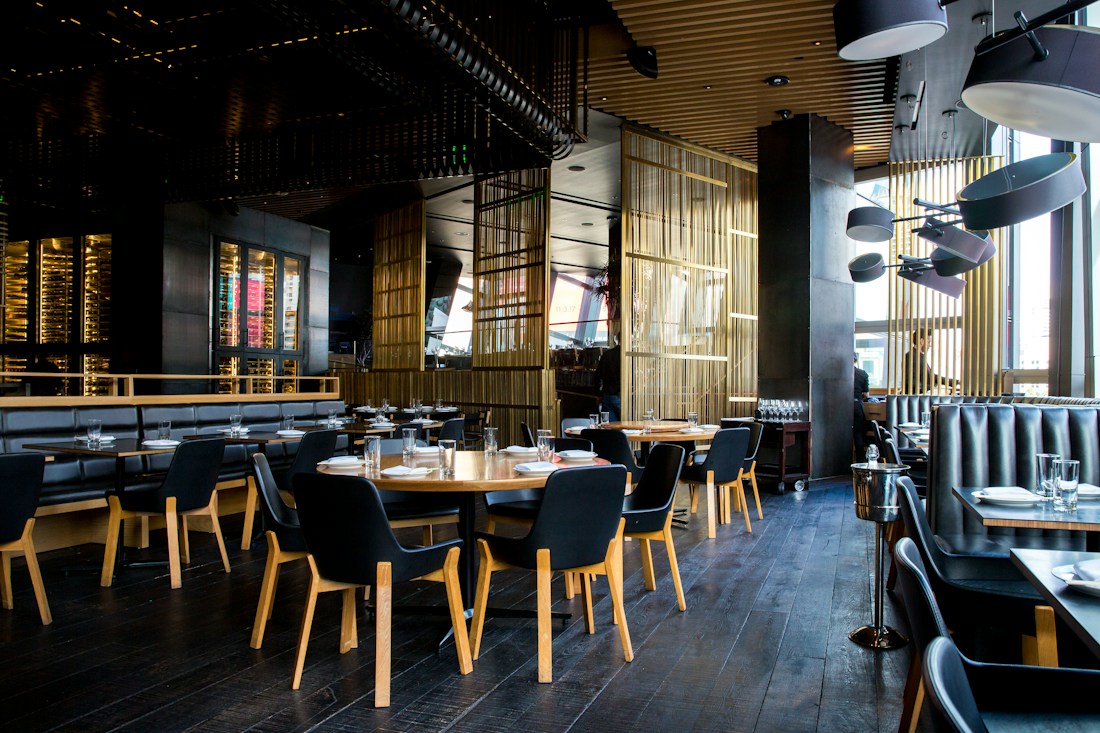
Slow mornings. Open horizons. A place to leave the everyday behind and settle into a different pace.
Explore your escape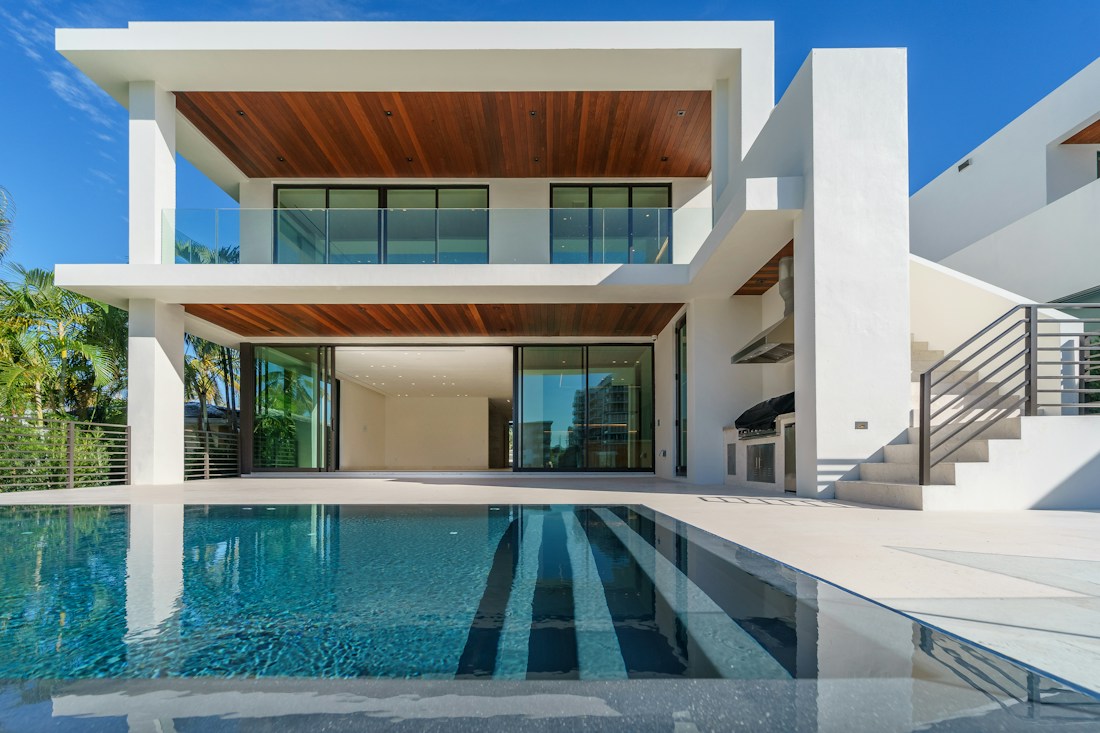
Opening a starting point preserves your previous draft in Versions when browser storage is available. It does not change an existing public page. Export any work you want to keep separately.
A good hospitality website starts with a sense of place. Explore two designs made around welcoming copy and photography, then bring your own character to the page.
Choose a photograph of your space and make it the centre of your page. Edit the colours and headline to suit the welcome you want to give.
Show your food, rooms or setting with image collections. Add practical details and expandable answers to common questions.
Change your introduction or swap a seasonal photograph. Make those everyday edits directly in the editor.
After the first draft
Use the visual editor to change copy, style and photographs. Private testers can publish a public Aicoded link and update it with Publish changes. Check the mobile preview, keep a snapshot in this browser or export your page as HTML.
Private testers can publish these single-page websites. Reservations, availability, ordering, payments and menu management are not connected.
See how it worksYou can publish a page introducing your venue, rooms and practical details. It does not handle reservations, room availability or payments. A working booking service would need to be connected for that.
The editor demo is free to explore and takes no payments. Ordinary editing uses no credits. The AI studio uses a separate simulated balance; proposed paid plans and usage rates are explained on the pricing page.
Explore pricingA different direction
Introduce what you do, show how you work and give your business a website that feels like it belongs to you.
ExploreGive your creative practice an introduction with personality. Start with strong typography, then shape the words, colours and details around your work.
Explore