Say what you do.
Give the introduction a clear heading and a short description. Use the space to explain who you help and what you offer.
Aicoded for independent businesses
Introduce what you do, show how you work and give your business a website that feels like it belongs to you.
A place to begin
A warm, straightforward starting point for a studio, local service or independent business. Replace the sample interior-design copy with your own.
Thoughtful interiors. Natural materials. A little room to breathe. We create spaces that feel unmistakably yours.
Explore our approach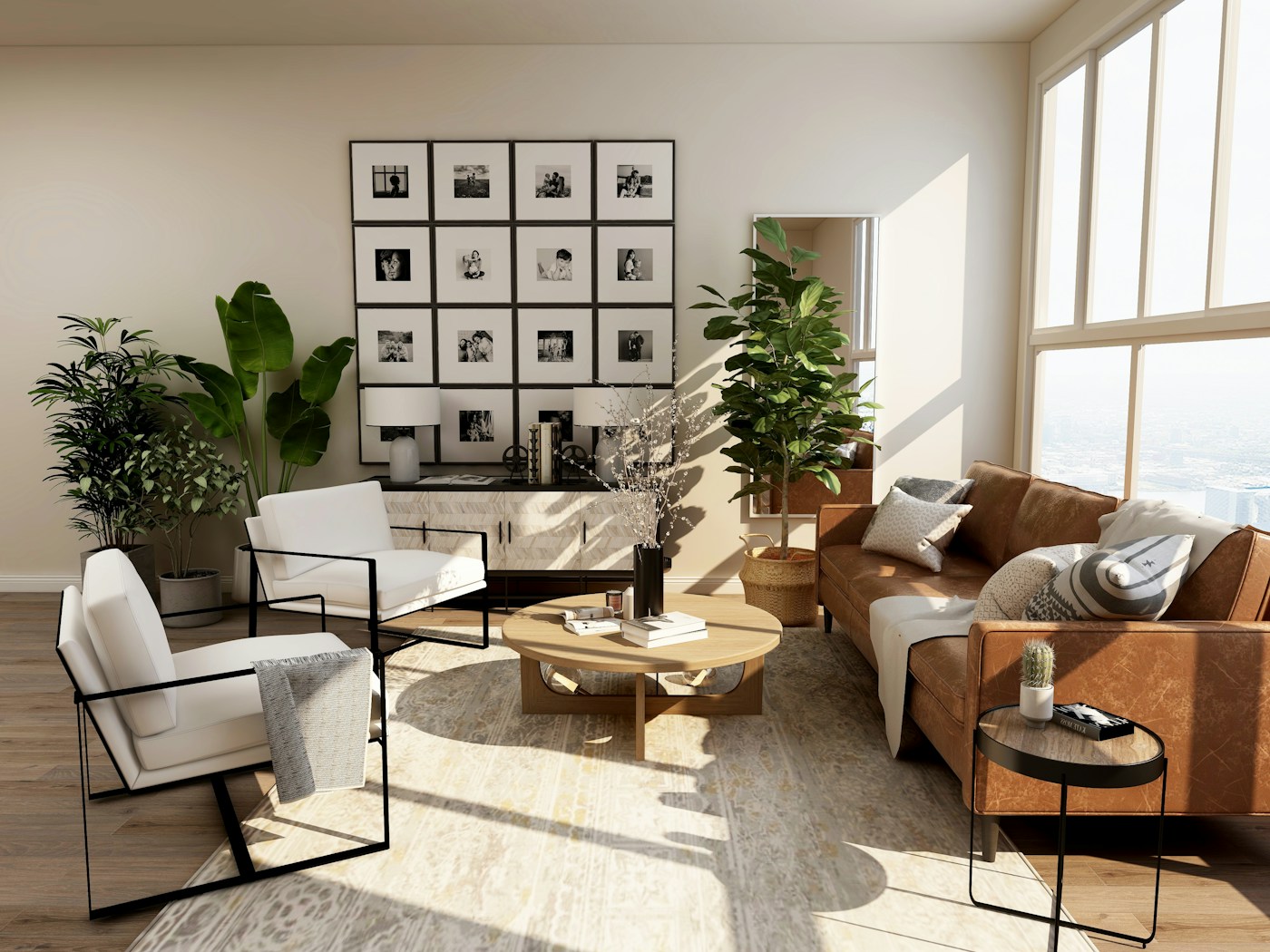
Opening a starting point preserves your previous draft in Versions when browser storage is available. It does not change an existing public page. Export any work you want to keep separately.
A clearer introduction. A new service. A better photograph. Aicoded starts with the everyday changes that help an independent business present itself well.
Give the introduction a clear heading and a short description. Use the space to explain who you help and what you offer.
Add an editable services section or describe how you work. Keep the language specific to your business.
Update the words, colours and photographs yourself. Ordinary editing does not use credits.
After the first draft
Use the visual editor to change copy, style and photographs. Private testers can publish a public Aicoded link and update it with Publish changes. Check the mobile preview, keep a snapshot in this browser or export your page as HTML.
Each website is a single editable page, with public publishing available to private testers. Contact forms, appointment scheduling and payments are not connected.
See how it worksYou can write contact information into a text section and publish it for visitors. The page does not send enquiries or handle bookings; those require connected services.
The editor demo is free to explore and takes no payments. Ordinary editing uses no credits. The AI studio uses a separate simulated balance; proposed paid plans and usage rates are explained on the pricing page.
Explore pricingA different direction
Give your creative practice an introduction with personality. Start with strong typography, then shape the words, colours and details around your work.
ExploreSet the scene for a restaurant, a guesthouse or a place to escape. Let the photography, the words and the little details give people a feel for your place.
Explore